eValue in older Maryville guides: what it did and how to check what's current
eValue appears in Maryville help articles from 2021 to 2023 as the system for site requests, schedules, time logs and preceptor evaluations. Maryville's 2025 and 2026 articles describe site requests and approvals in Exxat instead, so eValue may have been replaced, at least in part. We found no Maryville statement retiring it, so check which system your own course uses before you act on an eValue guide.
Get your placement plan
Tell us your Maryville track and where you live. A placement advisor replies with what a Maryville-ready preceptor and site look like for you.
Is eValue still in use at Maryville?
Probably not for site requests, and possibly not at all, but Maryville hasn't said so publicly. Every eValue article on Ask Maryville, the university's help center, is dated 2021 to 2023. The articles on requests, approvals and compliance from 2025 onward describe Exxat.
Hour logging is the least settled piece. Maryville's June 2026 article on locked Exxat accounts says a locked student cannot log hours or patients, which points to Exxat, yet no Maryville page states outright where logging happens now. Nothing we read says eValue was switched off.
So read any eValue instruction as history until your course confirms it. The rest of this page sets out what eValue did, so you can recognize the terms when a preceptor, a classmate or an old guide uses them.
What eValue did in Maryville's older guides
The older articles gave eValue six jobs. Current public articles place two of them in Exxat, hint at a third, and say nothing about the rest.
| Job | In the older eValue guides | In current public articles |
|---|---|---|
| Site requests | The Site Request Form, reviewed by the eValue Processing Team (2023) | Exxat: the course wishlist and “My Request” (2025) |
| Checking approval | Students reviewed pending submissions and verified preceptor and site approval | Exxat: status and comments under View Details |
| Schedules | One for each preceptor and site, set up each semester | Not described |
| Time logs | Approved by the preceptor in the “Clinical Hours Supervision” tool | Not stated; a 2026 article implies hours and patients are logged in Exxat |
| Preceptor's evaluation of you | The “NP Student Evaluation” | Not described |
| Site and preceptor evaluations | At the end of each rotation | Not described |
Students signed in to eValue through single sign-on at launch.maryville.edu, according to the older login article. The request in its current form is on the Site Request Form page, and the platform today's articles describe is on Exxat at Maryville.
Site requests in the eValue years
A 2023 article explained how eValue site requests were reviewed. Maryville handled them first come, first served. The peak ran between the “priority request deadline” and the first day of the semester, and anything submitted by that deadline was reviewed before term began.
The article did not list the deadline dates, and no current deadline is public either. In that queue, an early request waited behind fewer others; nothing public says whether Exxat review works the same way.
Articles from the same period show students checking eValue for pending submissions and for confirmation that a preceptor and site had been approved. In Exxat, that check is the View Details screen for the course's request. If you find an old bookmark to an eValue approval page, don't read it as proof your current request is approved.
Schedules and time logs
In the older guides, clinical time started with a schedule. Students created one for each preceptor and each site, every semester, according to a 2021 article on building a schedule in eValue.
The preceptor then approved the student's time logs in eValue's “Clinical Hours Supervision” tool, prompted by an approval email every 7 days. Under that setup, sign-off on your hours happened inside eValue rather than on paper, and your preceptor needed a working email address on file to receive those prompts.
Current public articles don't describe how preceptors approve hours in Exxat, or whether that step still exists in the same form. A preceptor who supervised a Maryville student in those years may still expect eValue emails, so tell yours which system your course uses. What counts as a clinical hour, and what doesn't, is on clinical hour logs.
Evaluations in eValue
Two kinds of evaluation ran through eValue in the 2021 guides. The preceptor completed the “NP Student Evaluation” about you, and site and preceptor evaluations were done at the end of each rotation.
The preceptor's evaluation request arrived 5 days before the rotation end date. That made the end date on your schedule more than a formality, because it decided when your preceptor was asked. If a rotation's dates changed, the schedule was the thing to update.
Whether the NP Student Evaluation keeps that name and timing in Exxat isn't public. What it covers, as far as Maryville says, and how to prepare your preceptor for it are on the NP Student Evaluation page.
How to confirm which system your course uses
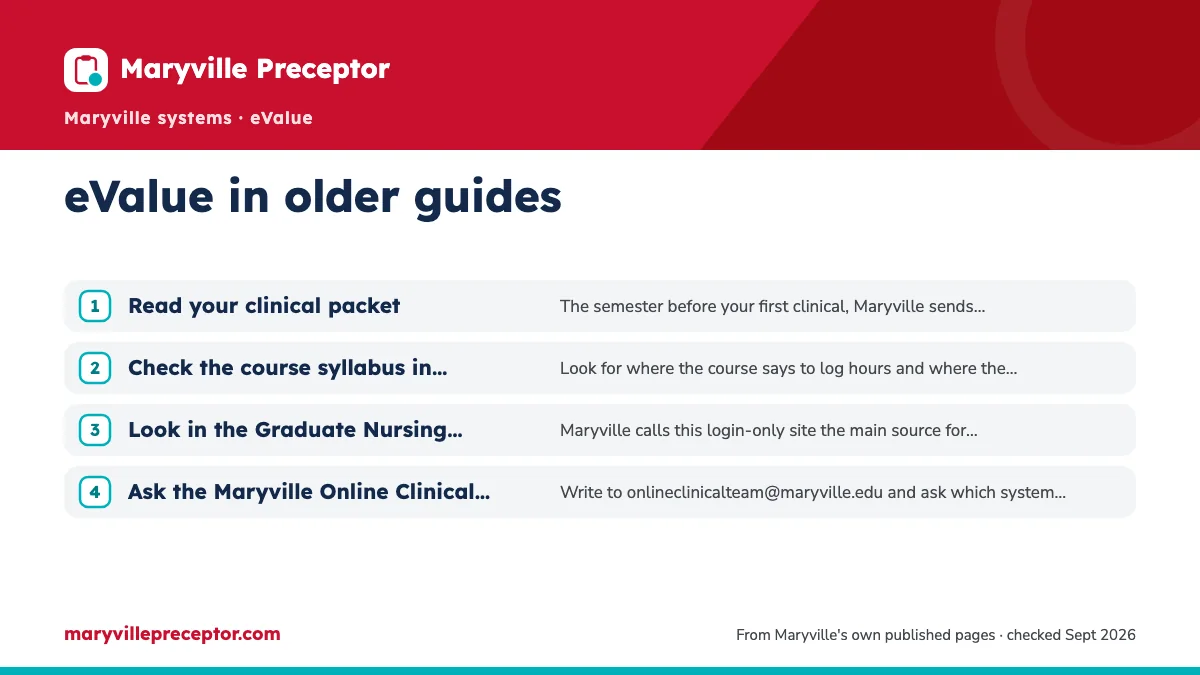
Four places answer the question, roughly in the order you'll meet them.
- Read your clinical packetThe semester before your first clinical, Maryville sends set-up steps for what its welcome page calls the “Clinical Database System”. Follow whichever system those steps name.
- Check the course syllabus in CanvasLook for where the course says to log hours and where the preceptor's evaluation goes.
- Look in the Graduate Nursing Clinical Resource CenterMaryville calls this login-only site the main source for clinical policies, course guidelines and forms. See the Resource Center page.
- Ask the Maryville Online Clinical TeamWrite to onlineclinicalteam@maryville.edu and ask which system your course uses for requests, hour logs and evaluations.
Once you have the answer, pass it on to your preceptor in writing, with the name of the system and what they will be asked to do in it. How the team handles questions like this is on the Online Clinical Team page.
Don't send a preceptor to eValue until your course confirms it still uses eValue.
Why students choose us, whichever system they use
Which system holds your paperwork matters less than having an approved preceptor to put in it, and finding that preceptor is our specialty. We match a preceptor and clinical site to your track and practicum, in person near you or, if your course permits, a virtual option, collect the preceptor's license and board-certification details, and stay on call if the preceptor pulls out partway through.
There's no need to settle the eValue question before you contact us: the search works the same either way, and the request goes in through whichever system Maryville names. Maryville approves every preceptor, site and agreement, and the preceptor file we help you build is shaped to the system your course uses. The form below asks for your track and start term; add the course number if you know it.
Questions Maryville students ask
How do I log in to eValue as a Maryville student?
The older Maryville login article says students signed in through single sign-on at launch.maryville.edu. Before you try, check that your course still uses eValue, because Maryville's current articles describe site requests and approvals in Exxat. If you can't sign in, ask the Online Clinical Team whether you should have an eValue account at all before you spend time troubleshooting it.
My preceptor asks where to approve my hours. eValue or Exxat?
Maryville's public articles don't settle it. The 2021 guides had preceptors approve time logs in eValue, while a June 2026 article implies hours and patients are now logged in Exxat, without describing the preceptor's part. Check your syllabus or ask the Online Clinical Team, then give your preceptor one clear answer before your first clinical day.
What was eValue's priority request deadline?
It was a cutoff for site requests in the eValue years. A 2023 Maryville article said requests submitted by it were processed by the start of the semester, but it did not give the dates. No current deadline is public either. The Graduate Nursing Clinical Resource Center (login required, and refreshed each semester according to Maryville's 2026 blog) is the place to check, or ask the Online Clinical Team.
I started at Maryville before 2024. Do I still use eValue?
Not necessarily. The Spring 2024 change Maryville published was to clinical hours, moving every NP concentration to 750, and students admitted Fall 2023 or earlier stay on the old curriculum unless they opt in. That rule is about hours, not software. Which system your course uses for requests, logs and evaluations is a separate question for your syllabus or the Online Clinical Team.
Related pages
Last checked 2026-09-23
We check these pages against Maryville's own sources. Maryville's current guides and your course faculty have the final word.
- Ask Maryville: As a student, how do I log into eValue
- Ask Maryville: As a preceptor, how do I approve time logs and complete evaluations in eValue
- Ask Maryville: How long will it take for my eValue site request to be reviewed
- Ask Maryville: How do I create a schedule in eValue
- Ask Maryville: How do I get help with Exxat (graduate nursing)
Hand us the search. Keep your start date.
Tell us your Maryville track, your county and your next start. We look for a preceptor and a site that fit what Maryville approves, and help you get the Exxat request right.
- Matched to your track's population and setting
- Checked against Maryville's preceptor rules before you submit
- In person near you, or a virtual option where your course allows it
Start your placement plan
A placement advisor replies with what a Maryville-ready preceptor and site look like for you.